The removal will be flawless for images with clear subject background separation. But for images with complex edges, you’ll probably want to tweak the result.

Removing backgrounds from images is a basic thing in the world of digital design, but can make your project stand out. If you’re a photographer, designer, or e-commerce business owner, removing backgrounds from images is a must if you want to have visually appealing and professional looking visuals. Luckily though, thanks to free tools, this process has never been easier or more accessible.
In this guide you will learn how to get rid of backgrounds from images using free tools. We have got you covered with simple DIY solutions to advanced editing options.
Removing the background from an image is not just about aesthetics; it serves several functional purposes:
No matter if you’re just starting or have been designing for years, learning how to quickly and easily remove backgrounds can save you time and energy.
Here’s a list of the top free tools that can help you remove backgrounds from images quickly:
| Tool | Key Features | Ease of Use | URL |
| Adobe Express | AI-powered, precise background removal with the option to edit. | Easy | Adobe Express |
| Photoroom | Instantly removes background and allows adding new ones. | Very Easy | Photoroom |
| Remove.bg | Automatic AI background removal with high accuracy. | Easy | Remove.bg |
| Canva | Background remover with a built-in design tool. | Easy | Canva |
| Picsart | Provides additional editing tools along with background removal. | Moderate | Picsart |
| Pixelcut | AI-powered background remover with additional editing options. | Easy | Pixelcut |
Adobe Express provides a precise and user-friendly platform for removing backgrounds. Here’s how you can use it:
This tool is perfect for those who need fast, reliable, and affordable background removal.
Another great tool that removes the background instantly and lets you add your own text or choose from a selection of backgrounds.
Remove.bg uses AI technology to process your image and remove the background with impressive accuracy.
Canva is a favorite for its easy-to-use interface and the added benefit of integrating other design features like adding text and elements after background removal.
Picsart’s background removal tool stands out for its additional editing options. You can add new backgrounds, adjust lighting, and even apply filters to your image.
Pixelcut’s AI-powered tool is another option that removes backgrounds in just a few seconds. It’s perfect for those needing high-quality background removal.
Choosing the right background removal tool depends on several factors, such as the complexity of the image, your editing skills, and the time you have available. Here’s a quick guide:


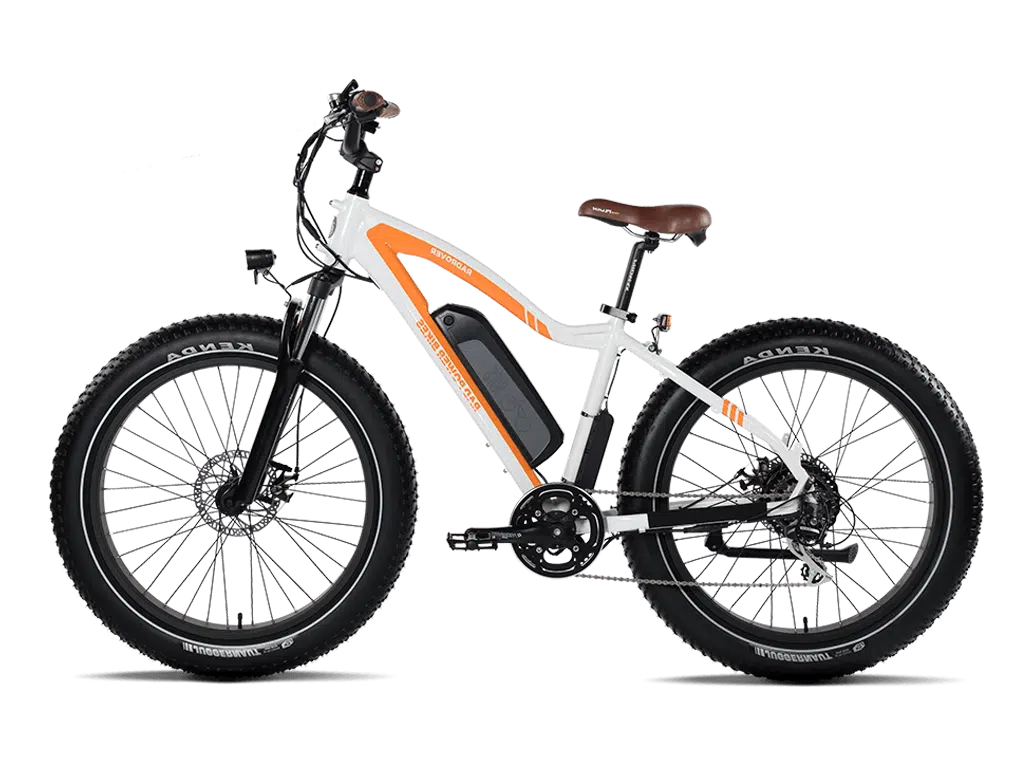
Indeed, most of these tools perform best with images with distinct edges and little overlap between the subject and the background.
Of course, most tools actually offer a free and a paying version, albeit with less beneficial set of features and some even with additional and more professional features.
Upload your images in JPEG or PNG format, but if you save your output to PNG, you’ll get the transparent background.
The removal will be flawless for images with clear subject background separation. But for images with complex edges, you’ll probably want to tweak the result.
Don’t miss our future updates! Get Subscribed Today!

Copyright © 2014 - 2026 Orbit Clipping Path. All Rights Reserved.